Another day, another quick iOS 26 obvious fix you guys are looking for. Here is a complete guide how you can fix iOS 26 battery drain on your iPhone.
Given the variety of features that iOS 26 offers the update has a lot to be proud of. But if you recently updated to iOS 26, you might have observed that the battery is dropping much more rapidly than usual. Even if you have bought the iPhone 17 or 17 Pro series.
It is becoming increasingly difficult for users to get through the day due to the battery drain issue on iOS 26. But fortunately, i guarantee you can get rid of this issue after going through this article.
5 Ways Fix the iOS 26 Battery Drain Issue
Apple has introduced many appealing features in the recent iOS 26 upgrade. Since every feature in portable devices uses the battery to function, it’s normal for the battery level to get lower as these features get into business. Check out the probable solutions listed below for solving the iOS 26 battery drain issue.
1- Disable Keyboard Haptics
Almost every user love the Keyboard Haptics and would never go back to turn it off because the tactile feel is just so good on fingers.
Unfortunately, it’s been reported on reddit already that turning on keyboard haptics might be battery draining. logically, as the haptic engine requires energy to function, it will consume the battery as it works.
Keyboard haptics doesn’t consume battery if you are not using the keyboard. However, if you type a whole lot on your iPhone, then it will logically drain the battery. But still not as much as we think.
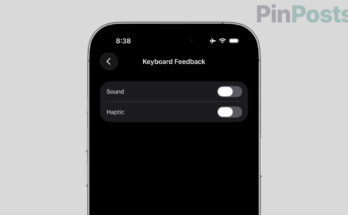
We believe that the decrease in the battery due to keyboard haptics is nearly negligible. Nevertheless, if you still think that keyboard haptics is draining a lot of your device’s battery, then you can simply turn keyboard haptics off and save your iPhone battery. Follow these simple steps to turn off keyboard haptics:
- At the first, launch the Setting app on your iPhone.
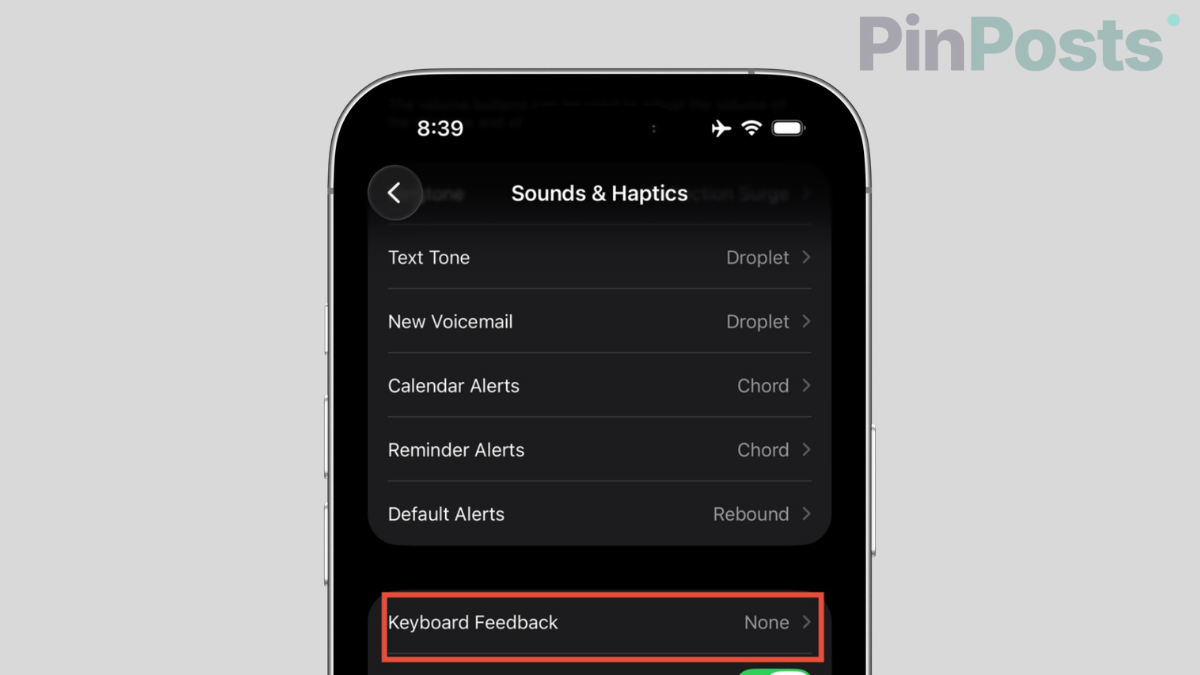
- Navigate to Sounds & Haptics.
- Tap on Keyboard Feedback where you shall see keyboard-specific options.
- Turn off the Haptic toggle.
2- Disable Background App Refresh
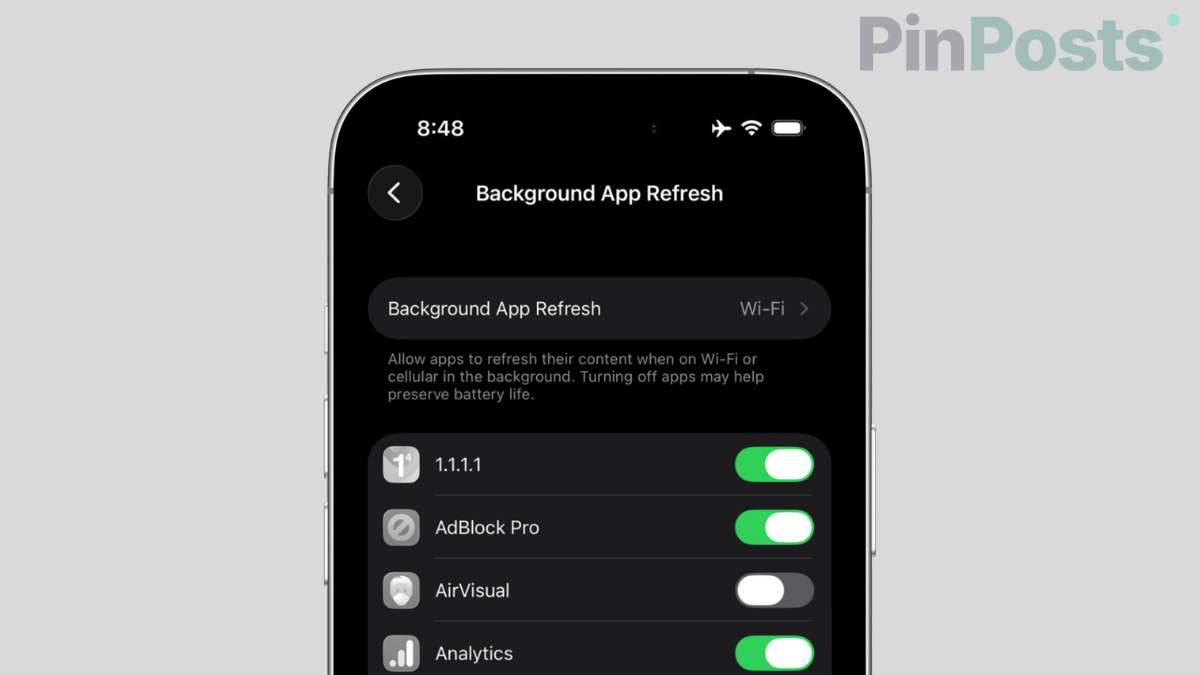
Your device’s battery can deteriorate as a result of some apps’ excessive backend operations. Most of the time it’s even unnecessary to have the Background App Refresh enabled. Therefore, it is better to turn off Background App Refresh for the time being to save your battery. Here is how to disable Background App Refresh:
- Launch Settings.
- Go to General.
- Tap on Background App Refresh.
- Select Off from the menu.
3- Enable Reduce Motion
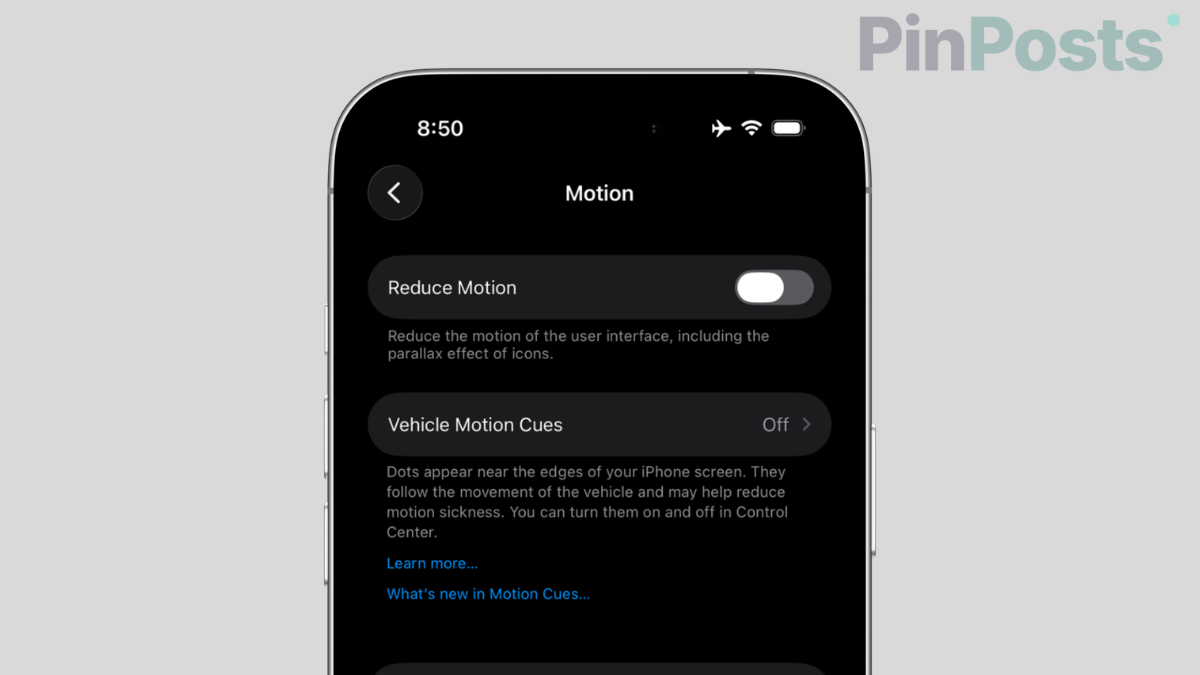
On iPhone, Reduce Motion toggle is disabled by default. Motion causes a burden on the processor and produces the interface animations, including the parallax effect of icons which causes the battery to drain on iOS 26. Therefore, enabling this toggle would save your battery from draining. To do that:
- Open Settings.
- Scroll down to Accessibility.
- Tap on Motion under Vision.
- Enable the Reduce Motion toggle.
4- Install the Latest Software Update
Apple usually follows every update with another one for bug fixes, and fortunately, a newer update 26.6.2 has just been released earlier this week. It is crucial to have your iPhone running the most recent version of iOS going forward. It just saves you the energy of dealing with bugs and errors of the earlier version. So, take this step right now and update your iPhone to the latest version.
- Go to Settings.
- Tap on General.
- Navigate to Software Update.
- Tap on Download and Install and get your iPhone updated.
5- Turn On Optimized Battery Charging
It’s critical to enable Optimised Charging in order to safeguard the health of your battery. This function is offered by Apple to prevent the battery in your iPhone from being overcharged. Overcharging your iPhone would ruin the battery health and you will eventually face the battery drain issue on your device. Therefore to fix iOS 26 battery drain issue you need to enable this feature by doing the following steps:
- Go to Settings.
- Scroll down to Battery.
- Navigate to Battery Health.
- Enable the Optimised Battery Charging option.
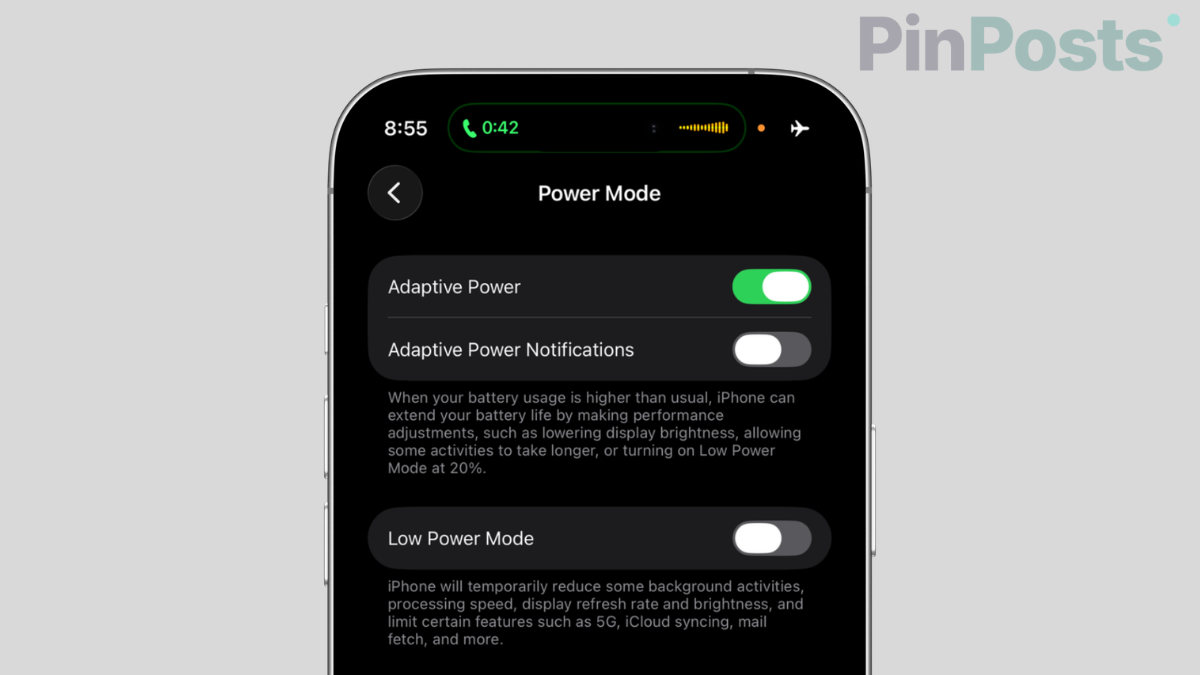
Also on modern devices as of today, you can enable adaptive power mode to let iPhone manage the higher usage of battery. It automatically adjust the output to that app which is eating up more battery.
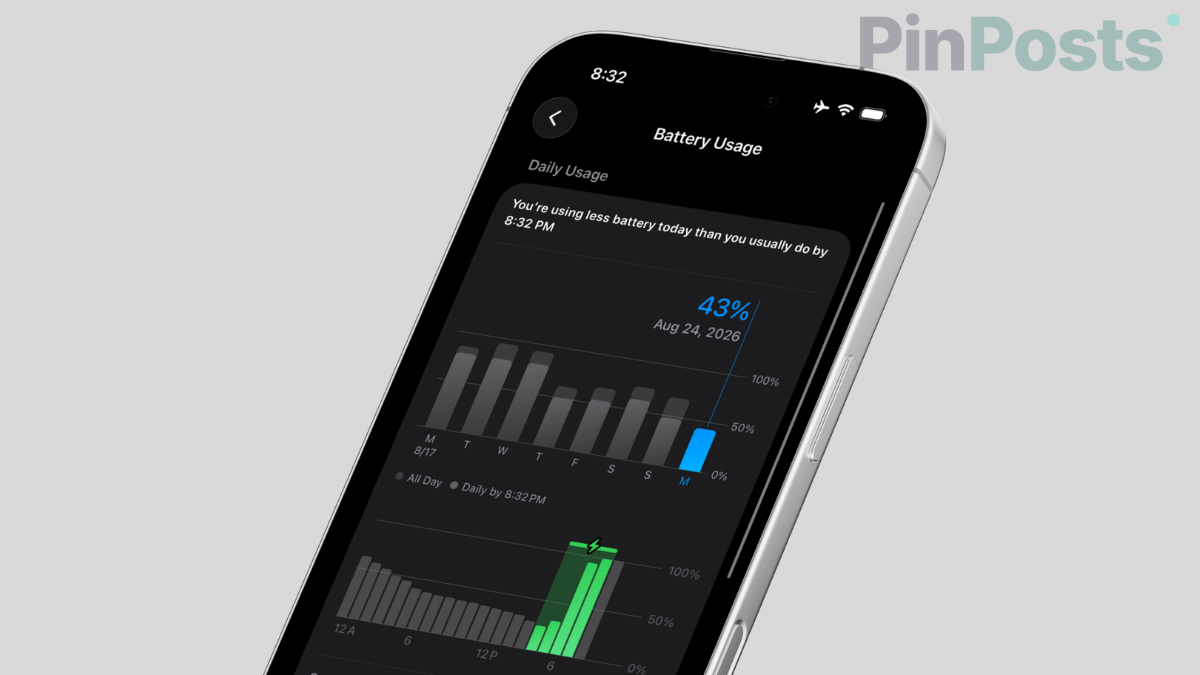
After following all the above-mentioned solutions, it’s time to observe your device’s battery usage pattern. If you observe a difference, then congrats, you found the right solution.
But if not, then these features might not be the reason behind your battery being drained. We can expect some other reasons like the cold weather as winter is almost here, try keeping your iPhone warm. There’s no doubt your iPhone drains battery when the temperature is very low.
Also, it could be a fault in your device’s battery and it might need to be replaced. Furthermore, to have a healthier battery, always try to charge your phone on time. It’s advised to charge your phone when it is at least 25%, not less than that. Using your phone till it just dies is a really imperfect practice for the battery of your device.
To Sum up, that was our observation and solution for iOS 26 Battery drain. Let us know in the comment box below if you also have observed a difference in your battery performance after updating your device to iOS 26. You may also let us know if the above-mentioned solutions were beneficial for your battery. Also, you can join our Facebook Group for discussion and daily tips. Keep visiting our blog for more iPhone, iPad, or Mac solutions.