Another day, another iPhone 18 Pro headache to break down. Remember the random restart issue I covered a few days ago? There’s now a much more precise answer for one specific version of it, and it’s worth its own post since the exact cause has finally been pinned down.
If your iPhone 18 Pro is crashing specifically after a failed Face ID attempt inside an app like Notes or your banking app, this is exactly what’s happening and why.
The Exact Trigger – Already Confirmed
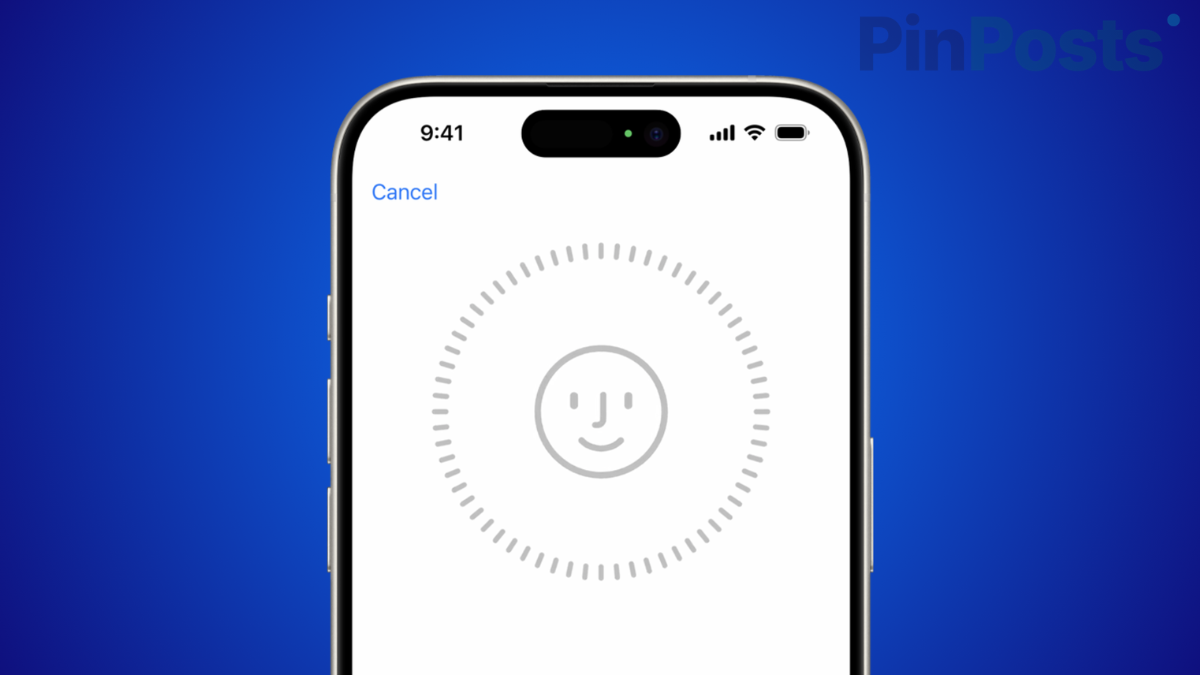
Here is the precise sequence that causes this crash, confirmed by multiple reports over the past few days. Face ID fails once inside a protected app. You tap “Try Face ID Again” to retry. On the retry attempt, the phone freezes completely and stops responding to any touch input. After a few seconds, it reboots back to the lock screen.
The key detail here is that it is specifically the retry that crashes it, not the first failed attempt. Face ID itself works fine on a normal first scan.
Why This Only Happens Inside Locked Apps
This crash does not happen from your regular lock screen Face ID unlock. It is confined specifically to protected app contexts, meaning apps that have their own separate Face ID lock layered on top, like Notes with a locked folder, Photos hidden albums, or banking apps.
This distinction actually matters a lot for figuring out the cause. Since the regular lock screen Face ID works completely fine and only the in-app retry fails, this points toward a software bug in how these apps handle a failed authentication retry, not a defective Face ID sensor.
How to Reproduce It (For Testing Purposes)
If you want to check whether your device is affected, here is how it has been reproduced by others. Open an app with its own Face ID lock, such as a locked Notes folder. When the Face ID challenge appears, cover your face or look away so the scan fails. Tap “Try Face ID Again” to retry the scan.
If your device is affected, it will freeze and reboot at this point. I would only test this if you are prepared for your phone to restart, since this is exactly what happens if you are affected.
Is This Hardware or Software
The behavior pattern strongly suggests software, not hardware. If the Face ID sensor itself were defective, it would fail consistently, including on the regular lock screen. Instead, it works perfectly on first attempts and only breaks on an in-app retry specifically, which is a strong sign that this is a software bug in how retry attempts are handled inside these protected app contexts, not a sensor problem.
Temporary Fix While Waiting for an Apple Update
Apple has suggested resetting Face ID as a preliminary step. Go to Settings > Face ID and Passcode > tap Reset Face ID > and re-enroll your face from scratch. This does not fix the underlying software issue, but some users have reported it reduces how often the crash happens while a proper fix is developed.
How This Relates to the Broader iPhone 18 Pro Restart Issue
If you read my earlier post on the iPhone 18 Pro randomly restarting, this Face ID retry crash is very likely one specific, now-confirmed trigger within that broader pattern. The original reports covered both Face ID and Apple Pay related crashes without pinning down the exact mechanism. This is the first time the community has actually reproduced the crash with a specific, repeatable set of steps.
Also Read: iPhone 18 Pro Randomly Restarting? Here’s What’s Going On
Frequently Asked Questions
Here are quick answers to the most common questions about this issue.
Does resetting Face ID actually fix this?
Not completely. It appears to reduce how often the crash happens for some users, but the underlying software bug still needs an Apple update to be properly fixed.
Will this happen on the regular lock screen?
No, based on everything reported so far, this is confined specifically to protected in-app Face ID prompts, not your regular lock screen unlock.
Is my iPhone 18 Pro damaged if this happens?
No. This is a temporary software crash and reboot, not permanent damage. Your phone will boot back up normally afterward.
That is the most precise explanation available right now for this specific iPhone 18 Pro crash. I will update this post if Apple releases an official statement or fix.