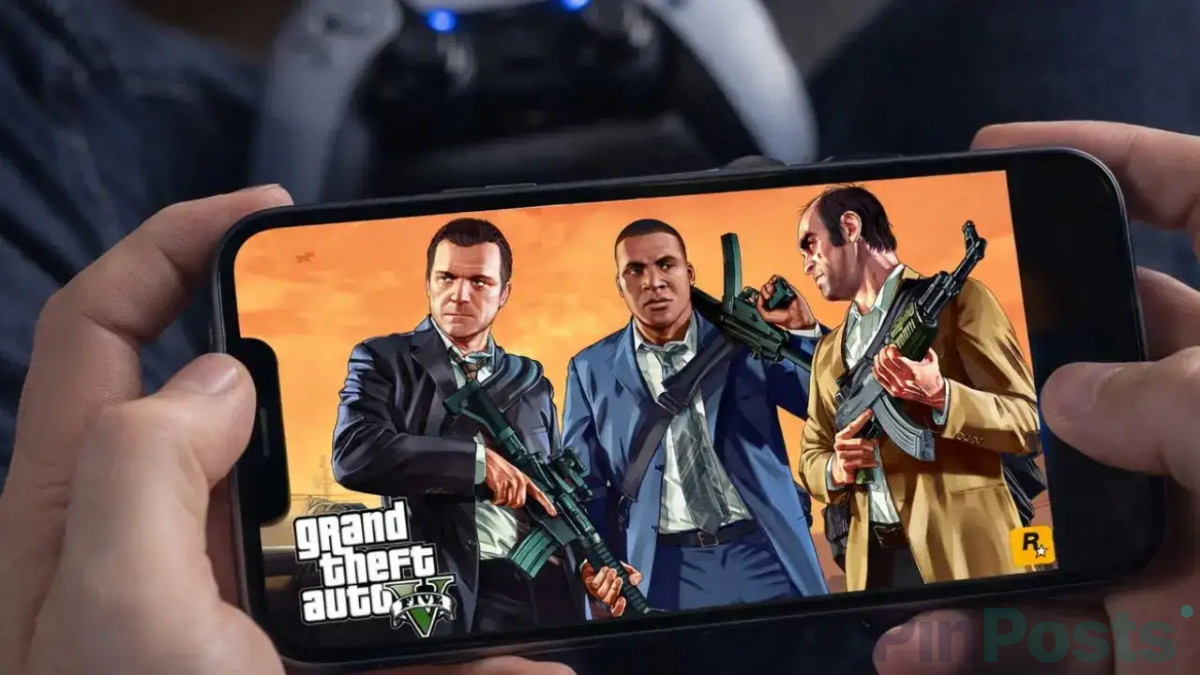
Looking for a way to play GTA 5 on your phone? A lot of articles online say you can use Xbox Cloud Gaming or GeForce Now. That’s outdated advice. Here’s what’s actually true right now in 2026, and the two methods that genuinely still work.
Why Xbox Cloud Gaming No Longer Works
Many guides still tell you to stream GTA 5 through Xbox Game Pass on your phone’s browser. That used to work, but not anymore. GTA 5 was removed from Xbox Game Pass on April 15, 2026 — on console, cloud, and PC, in both editions of the game. If you try this method now, you simply won’t find the game in your Game Pass library anymore.
Why GeForce Now Was Never an Option
You may also see GeForce Now listed as a way to stream GTA 5. This one was never actually true. GTA 5 has never been added to GeForce Now’s library, and Rockstar has never given NVIDIA the rights to stream it. Players have been asking for it on NVIDIA’s own forums for years, with no answer. If a site tells you to use GeForce Now for GTA 5, that site hasn’t checked its facts.
What Actually Works: Steam Link Remote Play
This is the real, working method. It doesn’t stream from Rockstar’s servers — it streams from your own Windows PC to your phone. You need to already own GTA 5 on Steam and have a PC that can run it.
- Make sure GTA 5 is installed and runs on your PC through Steam.
- Download the free Steam Link app on your phone from the Play Store or App Store.
- Open Steam on your PC and turn on Remote Play in its settings. You can find official setup steps on Steam’s own Remote Play page.
- Open Steam Link on your phone and connect it to your PC.
- Start GTA 5 from your phone. It runs on your PC, and the picture streams to your screen.
For the best experience, use a real controller connected to your phone over Bluetooth. Touchscreen controls make driving and shooting much harder.
What Actually Works: PS Remote Play
If you own GTA 5 on a PS4 or PS5, this works the same way. Your console does all the work, and your phone just shows the picture and sends your controls back.
- Download the free PS Remote Play app on your phone, or find setup guides on PlayStation’s official Remote Play page.
- Sign in with the same PlayStation account you use on your console.
- Make sure your console is turned on (or set to rest mode with Remote Play allowed).
- Connect through the app and launch GTA 5 from your console’s home screen.
Just like Steam Link, you’ll want a real controller paired to your phone for a smooth experience.
What This Means for You
There is no official app or subscription service today that lets you stream GTA 5 to your phone without already owning the game on a PC or console. If a website or app claims otherwise — especially anything asking you to download an APK or “GTA 5 mobile simulator” outside the Play Store or App Store — it isn’t a real, official version of the game. Stick to Steam Link or PS Remote Play if you already own GTA 5, and treat everything else as a red flag.