Last updated: August 3, 2026
If you want someone to stop seeing “Read” under your texts, you don’t have to turn off read receipts for everyone. iPhone lets you turn it off for just one person while keeping it on for everyone else. Here’s exactly how, plus what to know if you use an iPad or Mac too.
Turn Off Read Receipts for a Specific Person
Open Messages and go to the conversation with that person. Tap their name or photo at the top of the screen to open their contact info. You’ll see a toggle labeled Send Read Receipts. Turn it off, and only that specific conversation stops sending read receipts. Every other conversation keeps working exactly as it did before.
Why This Only Shows Up for Some Contacts
This per-person toggle only appears in iMessage conversations, the blue-bubble texts between iPhones. If you’re texting someone with an Android phone, the conversation shows up green, and neither of you can send or see read receipts at all, since that’s an iMessage-only feature.
Your Overall Read Receipts Setting Still Matters
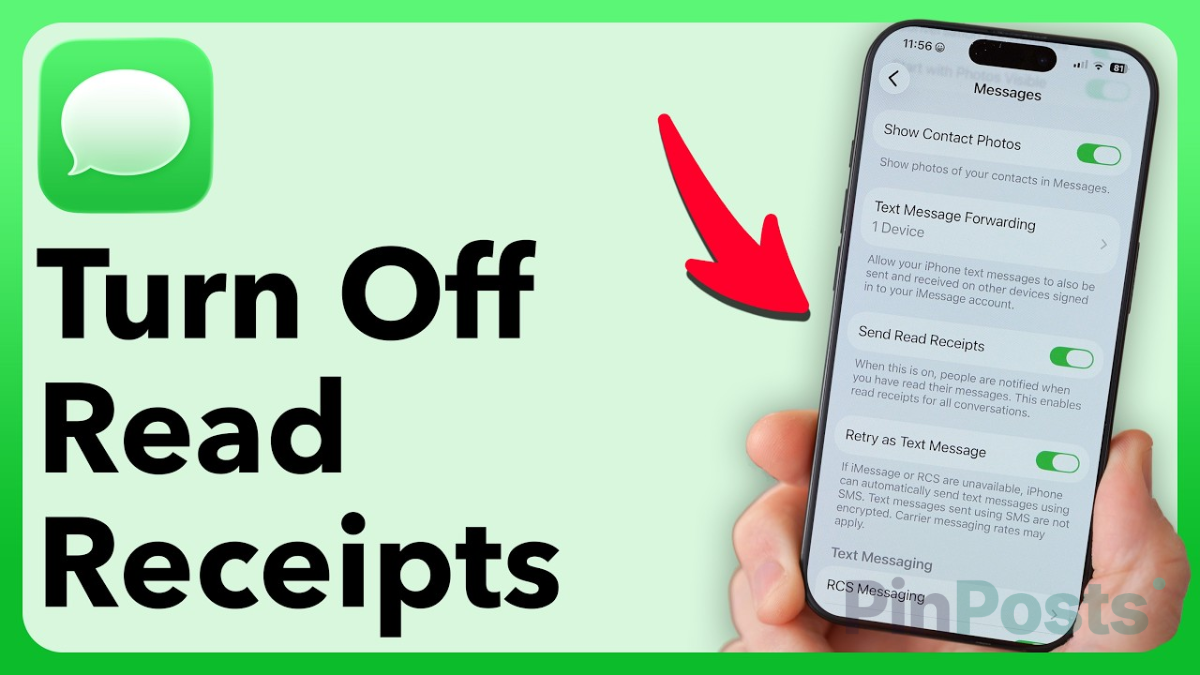
There’s also a general read receipts setting in Settings → Apps → Messages → Send Read Receipts. This one acts as your default for every new conversation. Turning off read receipts for one specific person doesn’t change this default setting, it just overrides it for that one contact.
Does This Setting Follow You to iPad or Mac?
Your general read receipts setting syncs across devices tied to the same Apple ID, so turning it on or off on your iPhone updates it on your iPad and Mac too. Per-contact overrides are less consistent, though: there’s real evidence this specific setting doesn’t always carry over automatically the same way. If you use Messages on multiple devices, it’s worth checking that specific contact’s toggle on each device rather than assuming it followed you everywhere.
How to Tell If It’s Already Off for Someone
Open that same contact info screen inside your conversation with them. If the Send Read Receipts toggle is already off, you’re set. If your overall Messages setting is off but this per-person toggle is on, that person will still see when you’ve read their messages, even though it’s off for everyone else.
The short version
- Open the conversation, tap their name at the top, and turn off Send Read Receipts
- This only changes that one conversation, not your overall setting
- Only works for iMessage (blue bubble) conversations, not texts with Android users
- Your general Messages setting still controls the default for every new conversation
- Per-contact overrides don’t reliably sync to iPad or Mac — check each device separately if you use more than one
Did this work for the person you were trying to hide read receipts from? Let us know in the comments, and check out more iPhone guides for other Messages settings worth knowing.

![Theft Detection Lock Keeps Locking Your Phone [FIX]](https://pinposts.com/wp-content/uploads/2026/08/Theft-Detection-Lock-Keeps-Locking-Your-Phone-FIX-640x360.png)