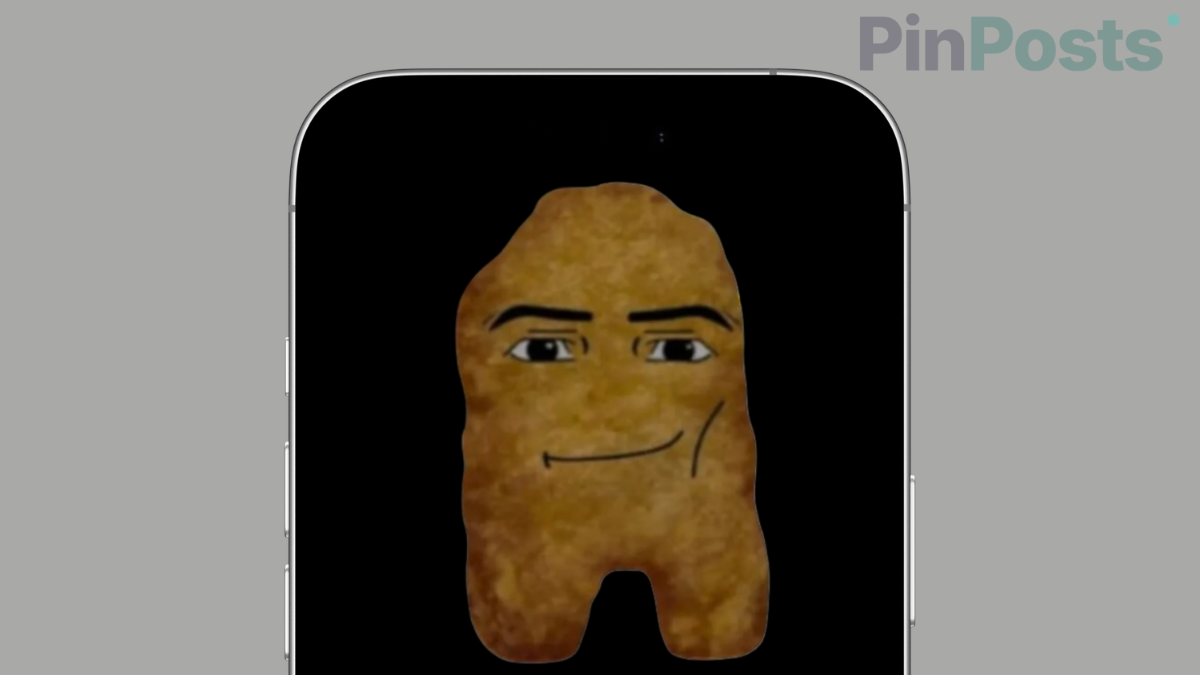
Your iPhone’s lock screen doesn’t have to be a still image. Nugget is a free tool that turns it into something animated, along with a long list of other changes Apple doesn’t normally let you make, and it does all of this without jailbreaking your phone.
I couldn’t test the newest, riskiest part of this myself (more on why below), so everything here is pulled directly from Nugget’s own documentation and its 7,249-star GitHub project, not personal hands-on use.
What Is Nugget iOS
Nugget is a free, open-source tool built by a developer named leminlimez. It works by using a method called partial restore, borrowing a real Apple device-restore feature to quietly change specific files on your phone instead of wiping the whole thing.
It runs on your computer (Windows, Mac, or Linux), connects to your iPhone over USB, and needs no jailbreak and nothing installed permanently on the phone itself.
What You Can Actually Do With Nugget
The headline feature is animated lock screen wallpapers, but the full list goes a lot further than that.
- Animated wallpapers (PosterBoard): Turn your lock screen into a moving scene using
.tendieswallpaper files, or convert your own videos into wallpapers. - Dynamic Island on any device: Enable the Dynamic Island interface even on iPhones that don’t have the hardware cutout for it.
- Always-On Display on any device: Turn on AOD on iPhones that don’t officially support it (their own docs warn this can cause screen burn-in over time, worth knowing before you turn it on).
- Disable the camera shutter sound: Removes the region-based restriction that forces a shutter sound on some devices.
- Enable Charge Limit: Stop your iPhone from charging past a set percentage, useful for long-term battery health.
- Stage Manager on unsupported iPhones: Turn on the multitasking interface Apple normally limits to newer devices.
- AI Enabler: Turns on Apple Intelligence features on devices Apple hasn’t officially enabled them for.
- Disable Liquid Glass: Opt out of Apple’s newest interface redesign if you’d rather keep the older look.
- EU Enabler: Turns on EU-region-exclusive features, like EU sideloading through AltStore PAL, outside the EU.
- Custom carrier name and status bar: Change what your carrier name displays, adjust WiFi/Cellular bar counts, battery percentage display, and more.
- Disable background daemons: Turn off things like Screen Time Agent, Spotlight indexing, Voice Control, or iCloud syncing at the system level.
- Device spoofing and model name changes: Change what model name shows up in Settings.
Where to Get Wallpapers for It
If you want animated wallpapers without designing your own, Tendies Wallpaper is a curated library of ready-made .tendies files built specifically for Nugget. The process is four steps.
- Download a wallpaper file
- Just connect your device by USB
- Import it inside Nugget’s PosterBoard section
- Reboot to see it under your lock screen’s Collections or Favorites.
Why You Should Not Use It on iOS 27
Nugget’s own developers put this warning directly at the top of their project, in bold:
“DO NOT USE THIS ON iOS 27! It will most likely result in data loss. Apple has patched the partial restore method that Nugget uses.”
That’s not a small risk. It means the specific trick Nugget depends on to work safely was broken by Apple starting with iOS 27, and using it anyway risks wiping your Apple ID, Keychain, photos, and settings.
Nugget is not safe on iOS 27. If you still want to install apps without jailbreaking, read our guide on how to sideload apps on iOS 27.
What About GoldenNugget?
There’s a newer, actively maintained fork called GoldenNugget that specifically claims to support iOS 27, using a backup-then-restore process designed to protect your data during the process.
Even GoldenNugget’s own developers are upfront that this workaround is new and can still fail: their README says plainly that they are “not responsible for any data loss or bootloops” if something goes wrong.
If you’re on iOS 26.1 or earlier, original Nugget is the safer, far more established option, seven-plus thousand GitHub stars and years of use behind it.
If you’re on iOS 27 and still want to try this, GoldenNugget is the only real option, but go in knowing it’s newer and far less proven.
What You Actually Need
- A Mac, Windows, or Linux computer
- An iPhone or iPad on iOS 17.0 or later, iPhone 8 or newer (this is a real requirement, older devices like an iPhone 7 aren’t supported at all)
- A USB cable
- A full backup of your device first, regardless of which version you use
Frequently Asked Questions
Is Nugget safe to use?
On iOS 17.0 through 26.1, it’s a mature, widely used tool with thousands of real users. On iOS 27, the original version is explicitly not safe, per the developer’s own warning.
Will Nugget work on my iPhone 7 or other older device?
No. Nugget requires iPhone 8 or newer, regardless of iOS version.
Does Nugget jailbreak my phone?
No. It uses a device-restore technique, not a jailbreak, and doesn’t remove any of Apple’s normal security restrictions.
What happens if I use it on iOS 27 anyway?
According to the developers themselves, it will most likely cause data loss, since Apple closed the underlying method Nugget depends on.
Can I undo changes Nugget makes?
Most changes, including wallpapers, are reversible. Always back up first so you have a way back if something goes wrong.
Also Read: How to Customize Apple Wallet Cards with AirCard
Final Thoughts
Nugget is a genuinely well-built tool with a huge feature list, and on the right iOS version, it’s one of the safer no-jailbreak options out there.
The one thing worth remembering is that “no-jailbreak” doesn’t mean “no-risk”, especially right now on iOS 27, where the developers themselves are telling you to hold off.
If you’re on an older iOS version, this is worth trying. If you’re on iOS 27, wait for GoldenNugget to mature, or hold off until Nugget itself catches up safely.