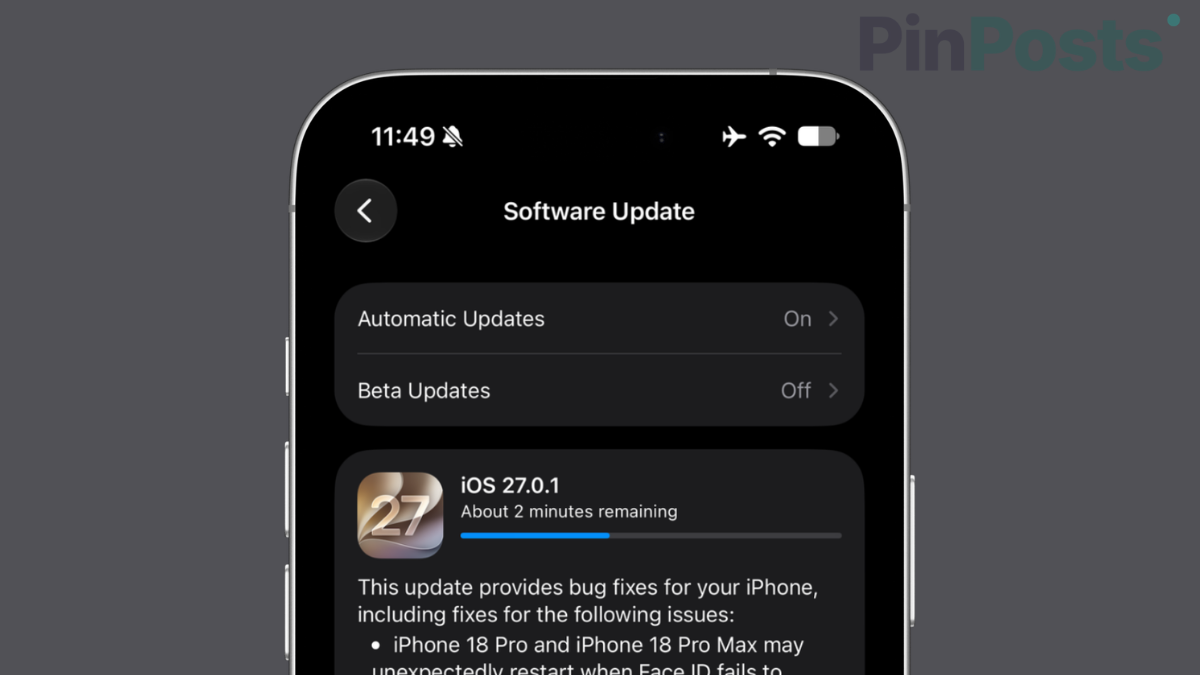
Apple released iOS 27.0.1 on September 28, 2026, and it fixes three bugs that a lot of people have been asking about. Two of them match problems I already covered on PinPosts.
I don’t own an iPhone 18 Pro, so everything about the Face ID and camera fixes comes from Apple’s own release notes, not my own testing. But, i tested the freeze bug on my iPhone 17 after this update & everything is good for me.
What iOS 27.0.1 Fixes
Apple’s release notes list three fixes:
- iPhone 18 Pro and iPhone 18 Pro Max may unexpectedly restart when Face ID fails to authenticate.
- A color artifact may appear on photos captured at 2x under certain lighting conditions at f/1.48 on a small number of iPhone 18 Pro and iPhone 18 Pro Max devices.
- Opening Notification Center and Control Center at the same time may cause the touchscreen to become unresponsive.
Apple’s notes don’t mention any other changes, so I won’t guess at what else might be inside.
Face ID Restart Bug (iPhone 18 Pro)
If your iPhone 18 Pro restarted after a failed Face ID scan, this update is aimed at that. I explained what was going on in iPhone 18 Pro Crashing After Face ID Retry? Here’s Why. If your phone restarted without any Face ID failure first, the update may not be your fix, and my earlier post on random restarts covers other things to check.
Touchscreen Freeze Bug (All iPhones on iOS 27)
This is the one that affects everyone. Opening Notification Center and Control Center together could freeze the touchscreen. If you’ve hit it, I wrote up what to do in iOS 27 Freezing After a Swipe? Here’s the Fix. Updating is now the better first step.
Camera Color Artifact (iPhone 18 Pro Only)
Apple says this affects a small number of iPhone 18 Pro and Pro Max phones, only on 2x photos in certain lighting at f/1.48. If your photos looked odd in those conditions, the update is worth installing.
How to Update
- Open Settings.
- Tap General.
- Tap Software Update.
- Tap Download and Install.
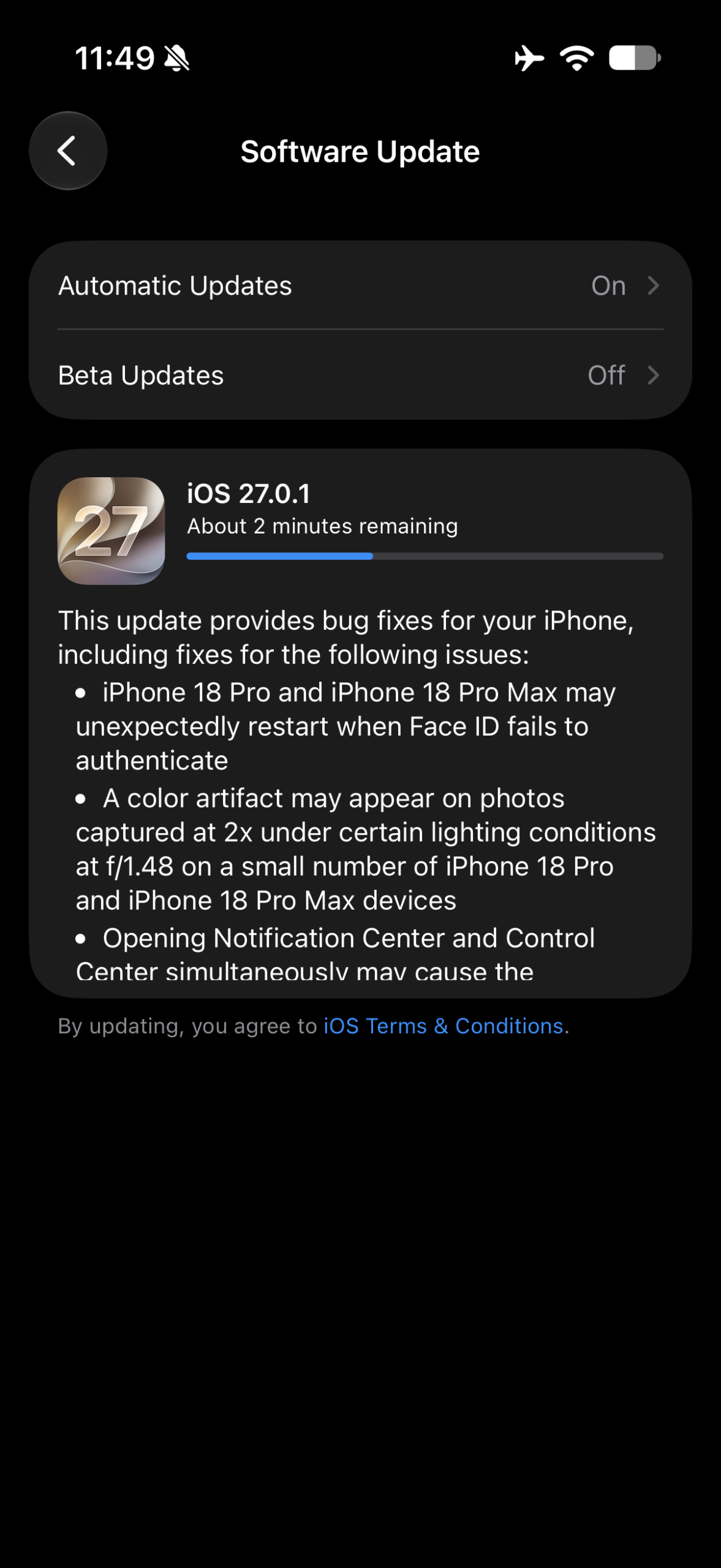
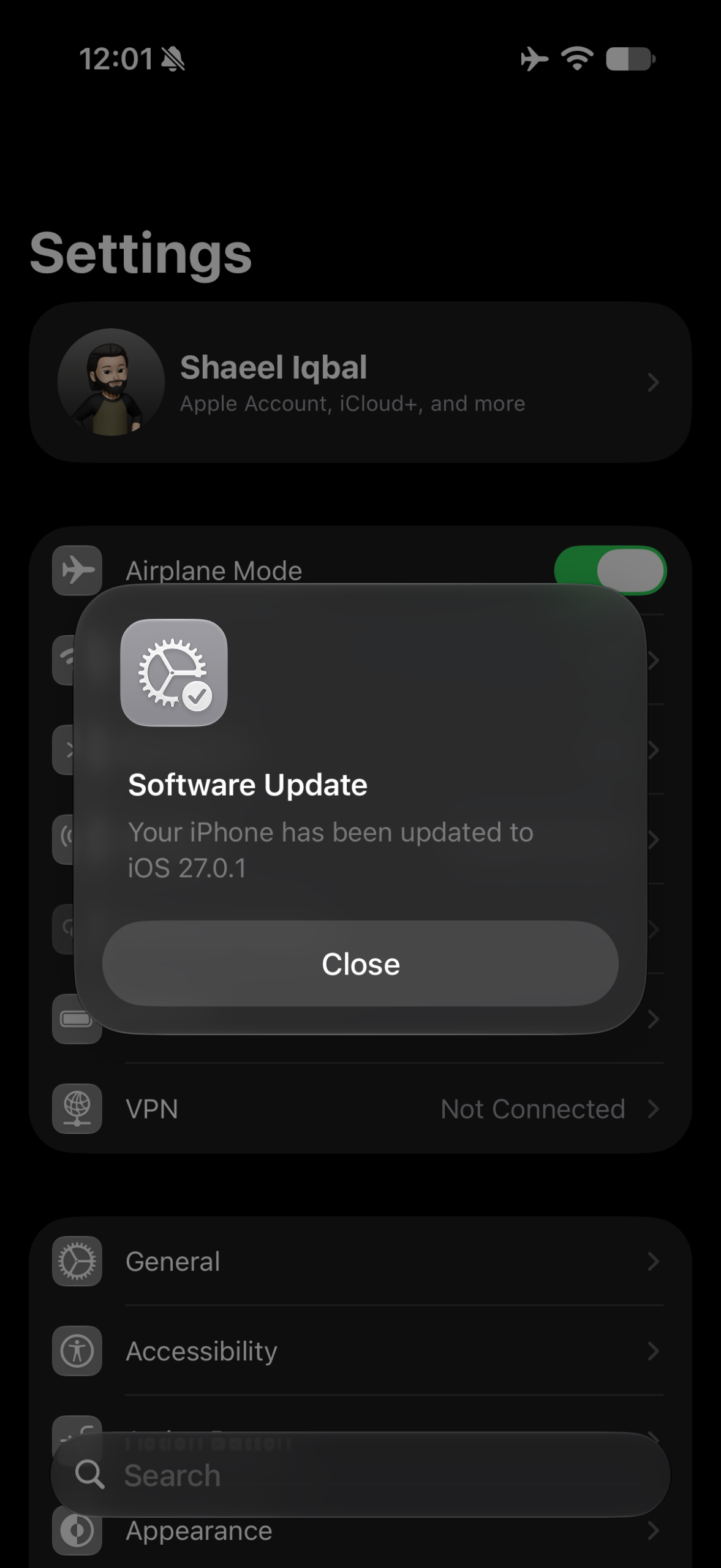
For the iOS 27.0.1 installation, make sure device is plugged in or have at least 50% battery available on your iPhone.
Should You Update?
If you have an iPhone 18 Pro or you’ve hit the freeze, yes. For everyone else, it’s a small bug-fix release from Apple with three listed fixes. Back up your phone first, as you should before any update.
Frequently Asked Questions
Is iOS 27.0.1 a big update?
Apple’s release notes describe it as a bug-fix update with three listed fixes.
Does it fix the iPhone 18 Pro Face ID restart problem?
Apple says it fixes restarts that happen when Face ID fails to authenticate.
Do older iPhones need this update?
The touchscreen freeze fix applies to all iPhones on iOS 27. The Face ID restart and camera fixes are for iPhone 18 Pro and Pro Max.
Also Read: iOS 27 Freezing After a Swipe? Here’s the Fix
Final Thoughts
This is the kind of update worth installing quickly if you’ve hit one of the three bugs, and easy to skip a day if you haven’t. If a problem you’re seeing isn’t on Apple’s list, it’s not fixed yet, so don’t assume the update covered it.