Last updated: August 4, 2026
Set a photo for someone in your Contacts, but it won’t show up, won’t stay the way you cropped it, or just won’t update at all? You’re not alone — this has been a real, common bug since iOS 26, and it shows up in a few different ways. Here’s what’s actually happening and the fix for each one.
The Photo Doesn’t Show When They Call
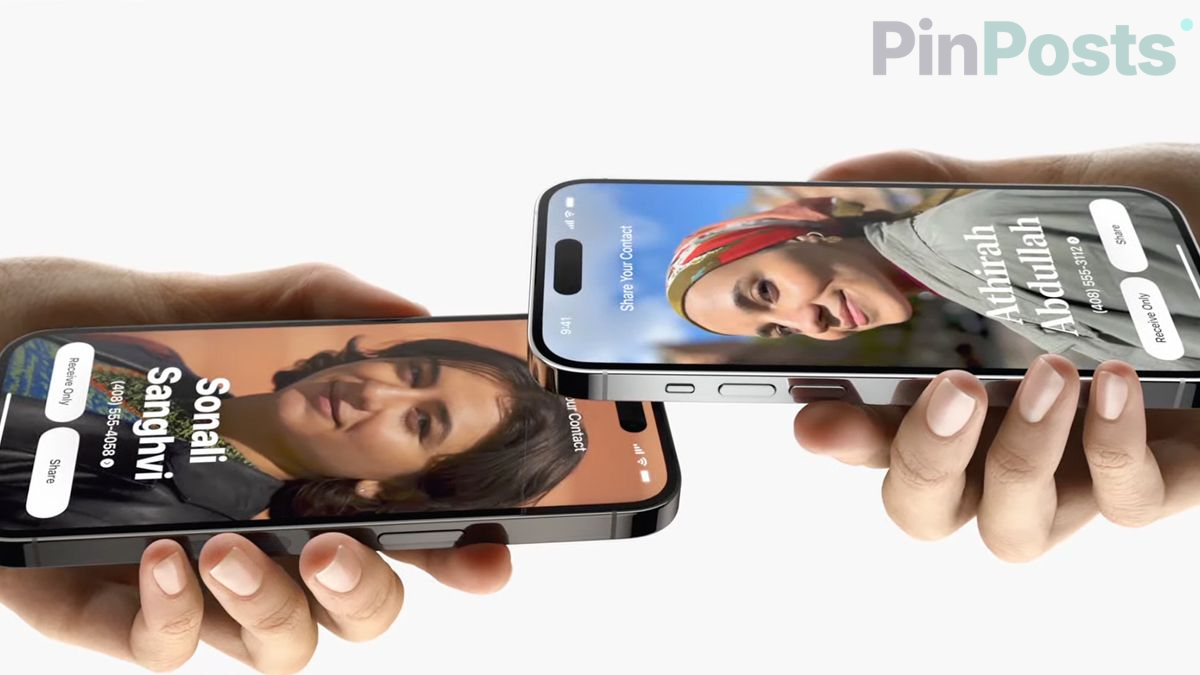
This is the most common one. You set a photo (Apple calls the full-screen version a “Contact Poster”), but when that person calls you, their old picture — or no picture at all — shows up instead. This is a known bug in iOS 26, not something you did wrong.
The fix that works for most people is a Force Restart, which is different from just turning your phone off and on:
- Press and quickly let go of the Volume Up button.
- Press and quickly let go of the Volume Down button.
- Press and hold the Side button until you see the Apple logo.
If it’s still wrong after that, remove the photo from that contact and set it again from scratch.
I Can’t Remove or Change an Old Contact Photo
Once you set a photo on a contact in iOS 26, some people have found there’s no way to just remove it and go back to the plain default. Right now, the only fix that actually works is to delete that contact and create it again as new. It’s not ideal, but it’s the one workaround that’s been confirmed to work.
My Photo Looks Cropped Wrong or Keeps Shifting
If the photo looks fine right after you set it, but then looks zoomed in wrong or shifted a few seconds later, the iPhone’s own crop tool inside Contacts is the problem — not your photo. The fix: go to contacts.google.com on a computer or in your phone’s browser, and crop and set the photo there instead. Saving it from there sends the correctly-cropped photo back to your iPhone properly.
My Own Photo Won’t Update for iMessage or FaceTime
This is a different photo — it’s the one other people see when you text or call them, not a photo of one of your contacts. If changing it directly on your iPhone isn’t working, go to icloud.com in a browser and update it there instead. It’s been far more reliable than trying to change it on the device itself.
The Short Version
- Photo not showing on a call? Force Restart your iPhone, then reset the photo if needed.
- Can’t remove an old photo? Delete that contact and make it again.
- Photo cropped wrong or shifting? Set it through contacts.google.com instead.
- Your own photo not updating for others? Change it at icloud.com.
Did one of these fix it for you? Let us know in the comments, and check out more iPhone guides for other fixes after an update.